Getting started with Claude: how to turn it into your command center
You keep hearing about Claude Code, Cursor, OpenClaw, AI agents, Cowork. You see people with Mac Minis running autonomous agents, terminal setups, MCP servers everywhere. And it can feel overwhelming. Where do you even start?
Start here. With Claude.ai. The web version. No code. No terminal. No hardware.
The truth is, most of what you need - especially if you're just getting started - you can solve from claude.ai. And once you master that, everything else becomes a natural next step.
📌 This guide is for you if you want to understand how to actually use Claude to run your work - not just ask it questions.
I use it to review everything, make decisions, and execute - all from one place. My email, Slack, ClickUp, Google Calendar, Linear, Google Drive - all connected. Every morning I get a summary before my day starts. I delegate tasks, generate briefs, document decisions, and communicate with my team without leaving Claude.
And I do most of it by voice with Wispr Flow.
This is how I set it up.
Step 1: Organize yourself first.
This is the most important step. Before connecting anything, get clear on what you want to achieve and how you work.
Then create a Claude Project. Not ten projects - start with one. For example:
- Your job? One project. All your work conversations, decisions, and context live there.
- A side business? One project for that.
- Your personal life? One project.
I have one for each company I work with and one for my personal growth. That's it.
The idea is simple: keep context in one place. If you have multiple projects at work, carry them in the same Claude project. If you have a project inside a company you work with, keep it there - it's the same context. Other projects and subprojects within that company will affect each other, and that's the point.
💡 Start with one conversation. Sometimes one conversation is enough to keep better context and order than anything else you've tried.
Save your decisions as artifacts or .md files right there inside the conversation. That becomes your record - searchable, referenceable, always available.
Step 2: Connect your tools via MCP.
MCP (Model Context Protocol) lets Claude talk directly to your tools. Instead of copy-pasting between apps, Claude reads and acts on them for you.
Here are some of the most useful ones:
| Tool | What it unlocks |
|---|---|
| Gmail | Read full threads, draft replies, search emails |
| Google Calendar | Check availability, find free time, schedule |
| Google Drive | Search and read your documents |
| Slack | Read channels, draft and send messages |
| ClickUp | Create tasks, assign them, check status |
| Linear | Track issues, project status, releases |
| Notion | Access notes, wikis, databases |
| Asana | Manage tasks, track projects |
| Jira + Confluence | Tickets, sprints, documentation |
| Figma | Access designs, generate diagrams |
| GitHub | Code review, pull requests |
| HubSpot | CRM, contacts, deals |
| Stripe | Payment analytics, revenue |
| Zapier | Connect 8,000+ apps |
| Intercom | Customer conversations, support |
| Canva | Create designs with brand kits |
💡 You don't need all of them. Start with one - your email or your task manager. Add more as you go.
Step 3: One conversation per project.
Don't mix clients. Don't mix topics. One conversation per project until the context runs out. Then start a new one - same project, fresh context. Claude still has your Project Knowledge.
Think of your project context as sacred. Only what belongs there should be there.
And this same structure should reflect in your other tools too. If your Claude project is organized by client or initiative, your ClickUp lists and Slack channels should follow the same logic. It's not impossible to work without this, but when everything is aligned - Claude, your task manager, your communication - the tool becomes much more efficient. And so do you.
Step 4: Build a morning routine.
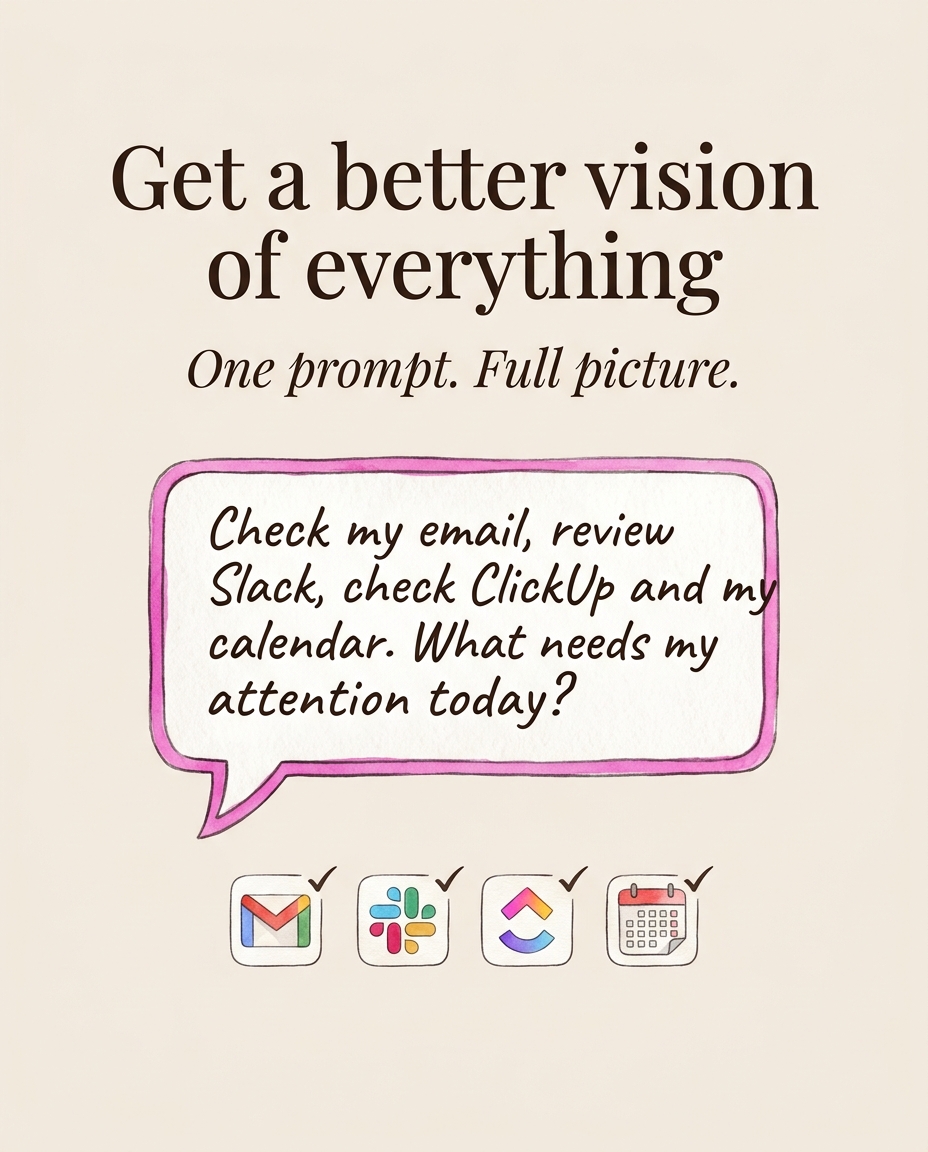
This is where it gets powerful. Every morning I say something like:
ℹ️ "Check my email, review Slack channels, check ClickUp tasks, check my calendar, and give me a summary of what needs my attention."
Claude reads everything - emails, messages, task updates, today's schedule - and comes back with what matters. No jumping between apps. No scrolling through notifications.
I actually receive this summary by email now before my day even starts. I'll show you how to set that up later.
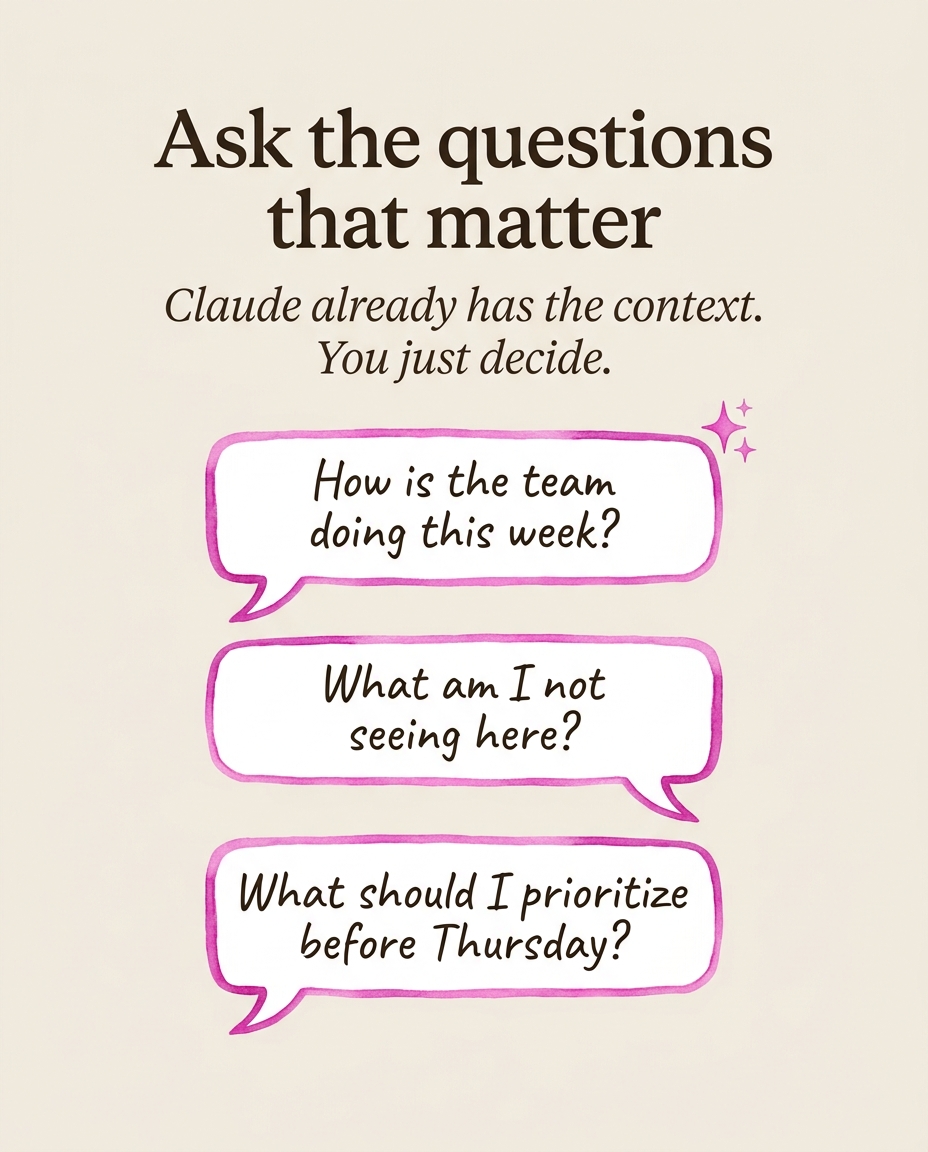
But the real power is not just the summary. It's the questions you can ask after:
- "Check ClickUp - how's the team doing this week?"
- "Give me a status report on this client."
- "What am I not seeing here?"
- "What should I prioritize before Thursday?"
Claude surfaces things you might miss in your day-to-day - patterns, blockers, things that need attention before they become problems. While I'm reviewing my morning, I'm also structuring my week better. And when everything is running well, I've had entire weeks free. Literally.
You become a human in the loop with a much more strategic and robust sense of what's happening.
From there, everything flows:
- Need to reply to someone? Claude already read the thread - I just decide what to say.
- Need to notify the team? "Send each person on the project their update separately through Slack." Done.
- Client mentioned something important on a call? "Document these requirements in Google Drive." Saved.
- Client has specific preferences or guidelines? They're already in the project context. Claude respects them every time.
- Need separate briefs for design, development, and marketing? Claude generates each one with the right context for each team - from the same conversation.
- Need to create tasks from those briefs? Done, straight to ClickUp.
And I use Wispr Flow on top of all of this - I just talk and it types. So I'm literally having a conversation with Claude by voice, making decisions, delegating, documenting. No typing. No switching apps.
Everything is there. Everything is connected. Communication, clarity, task creation, documentation - it all becomes faster because the context is already loaded.
Then I focus on what actually matters: deciding. Not reading, not catching up - deciding. And I bounce those decisions with Claude because it already has all the context.
"Should we push this deadline?" "Is this the right person to handle this?" "Draft a response but let's think about the tone first."
✅ That back and forth - that's the real value. Claude becomes your thinking partner, not just your assistant.
Step 5: Turn your patterns into skills.
After months of using the same workflows, I noticed I was repeating myself. Same morning routine. Same way I delegate tasks. Same report structure.
So I turned each one into a skill - a reusable set of instructions that Claude follows every time. My morning briefing, task delegation, weekly reports, communication templates, event coordination - all documented as skills that Claude can execute consistently.
They all connect. The morning scan is the entry point - it checks everything and hands off to the right workflow. Task delegation is used by all of them. The report generator pulls from everything at the end of the week.
Over 1,600 lines of real operational knowledge. No code. Just patterns documented over 18 months.
💡 And each skill works as a standalone runbook too - you could hand it to a new team member and they'd know exactly how things work. Even without Claude.
Step 6: Let it evolve.
My setup today looks nothing like day one. I started using Claude to help me write emails. Then I organized my projects. Then connected my tools. Then built morning routines. Then turned my patterns into skills. Each layer added when I was ready.
And this is just for non-technical projects. No code involved.
That growth is what opened the door to Claude Code in August 2025. I was ready for it because I had already learned to think in systems. The jump felt natural, not overwhelming.
What this actually looks like in results.
- More time. I gained entire weeks back. Time to learn, to grow, to take on new things.
- Better control. Every project, every client, every decision - tracked and organized.
- Better decisions. Claude surfaces what I miss. I think more strategically.
I have the blessing of a lot of freedom in my work. But that freedom only works because the structure is there to support it.
Today, thanks to all of this, I build more robust agents, I help other people create more, and I build tools to help them improve their own context. What started as organizing my own life became something I can share.
And that momentum led me to a point where I said: I want to recover seven years of my life. And I'm still doing it.
Start small. Start today.
You don't need all of this on day one. Pick one tool. Connect it. Use it for a week. Then add another.
The most important thing is not the tools - it's organizing your information first. Once Claude knows your context, everything else flows.
Learn to grow with your tools. You just need a little curiosity.
✅ The tools are powerful. But they only work if you organize first. Once you do, the system guides you.
Reader margin
What stayed with you?
Leave one small mark in the margin.
Notes from readers
The margin is open. You can leave the first note.
Stuck with something like this? I fix it daily → Services