Voice to Art with Wispr + Nano Banana
How I actually create articles
Most people use AI images as decoration. Generate something pretty, drop it in the blog post, done.
I do something different. The images are part of how I tell the story.
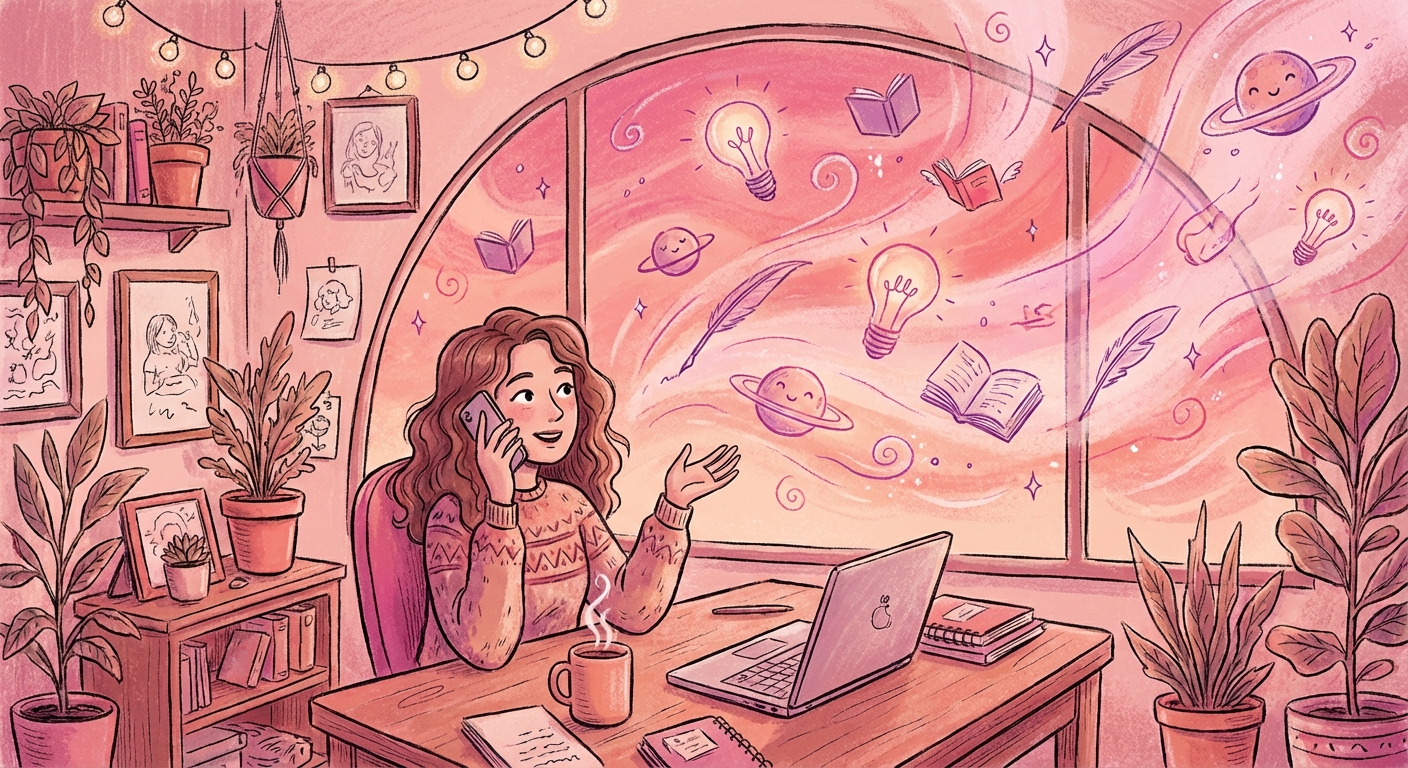
Here's my real workflow: I talk.
I use Wispr Flow (voice-to-text) and just... explain things. Like I'm teaching someone. I ramble about the concept, make jokes, try different analogies until one clicks.
That messy dictation goes into Claude Code. And here's where it gets interesting.
Claude Code already knows my voice. It knows I like dry humor, that I explain technical stuff through weird analogies (Supabase is a music festival, RLS policies are security guards checking wristbands). It takes my spoken mess and shapes it into an article that still sounds like me.
But it doesn't stop at text.
The real magic: Claude Code knows your story
Here's what makes this different from just using an image generator:
Claude Code reads your entire article. It understands the narrative you're building, the analogies you're using, the tone you're going for.
So when I say "create an illustration for this section," it doesn't just make something pretty. It makes something that reinforces the point I'm making.
If my article explains that "RLS policies are like security guards," Claude Code will create a security guard that FEELS like part of my story—same pink palette, same whimsical style, same vibe as everything else.
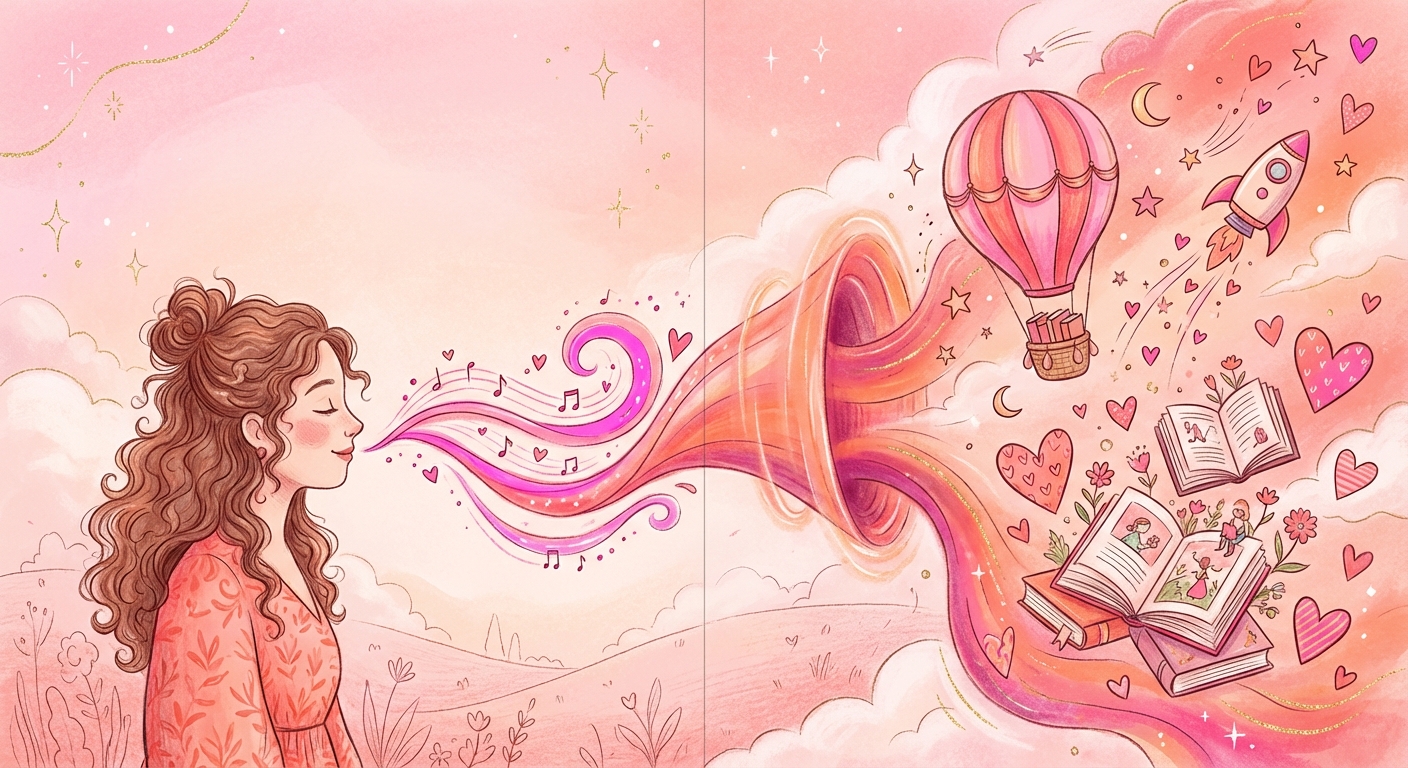
And because Claude Code remembers my style template, my colors (#FF5CD7 always), and how I like my prompts structured for Nano Banana Pro... every image feels like it belongs.
The images aren't decoration. They're part of the storytelling. The AI isn't just generating images—it's generating images that understand your story.
The teaching thing
I think this works because I used to teach. Still do, kind of.
When you're explaining something to someone, you naturally reach for analogies, jokes, visuals. "It's like when..." or "Imagine if..." That's how brains work.
AI lets me actually CREATE those "imagine if" moments. I can say "Supabase is like Coachella" and then generate 14 illustrations that make that analogy real, visual, memorable.
The creativity isn't in the AI. It's in the story you're trying to tell. The AI just makes it visible.
Why I stopped using the dashboard
I used to generate images directly in Google AI Studio's dashboard. It works, but it's slow. You type a prompt, wait, download the image, rename it, upload it somewhere else...
I'm not patient enough for that.
Now everything happens in Claude Code. I describe what I need, the image generates directly to a folder on my computer, and when the article is ready, I publish it straight to my blog—images and all.
No downloading. No uploading. No context switching.
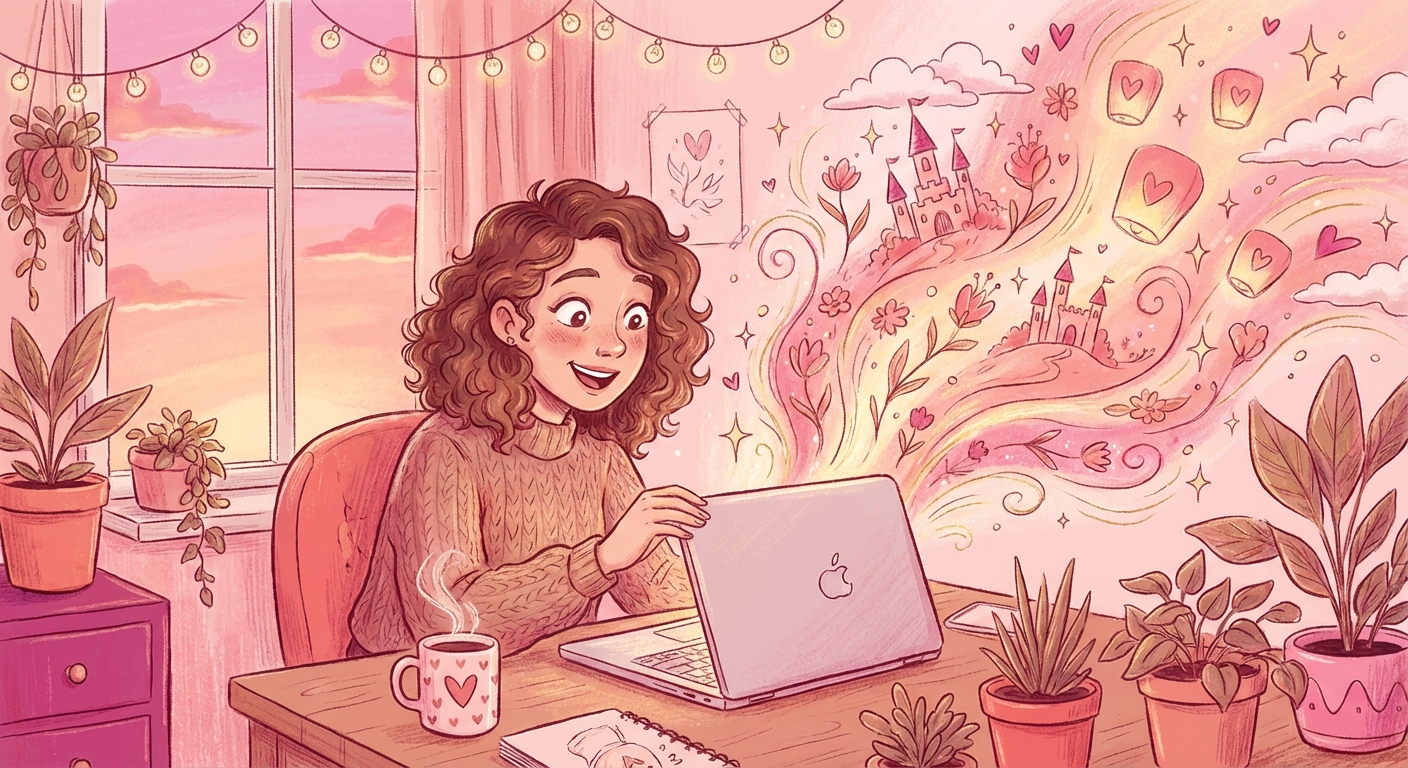
The technical setup
You need:
- An API key from Google AI Studio
- Claude Code to orchestrate everything
- A style template so images stay consistent
Claude Code connects to Nano Banana Pro (Gemini's image model) through the API. You set it up once—tell it your style, your colors, where to save files—and then you just describe what you need.
Installing Claude Code (no coding needed)
Claude Code runs in your terminal—the black window with text. Sounds scary, but it's just copy-paste.
Step 1: Open Terminal (on Mac: press Cmd + Space, type "Terminal", hit Enter)
Step 2: Copy this line and paste it:
npm install -g @anthropic-ai/claude-code
If you get an error about npm, install Node.js first from nodejs.org (download the LTS version, click through the installer).
Step 3: Type claude and hit Enter. That's it.
Choosing the right model
In Google AI Studio, you'll see different image models. This matters a lot.
Here's the same prompt generated with 4 different models—look at the difference:
Model 1: gemini-2.0-flash-exp (anime/manga style, flat colors)
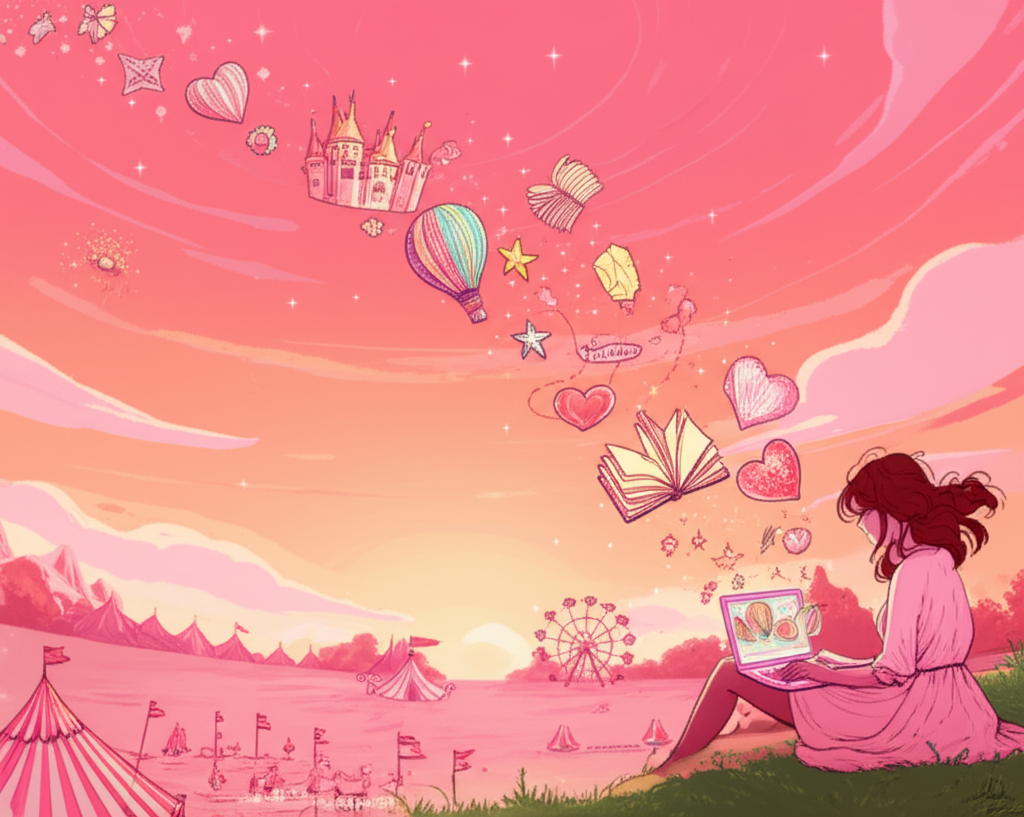
Model 2: gemini-2.5-flash-preview (kawaii/cute, lots of icons)
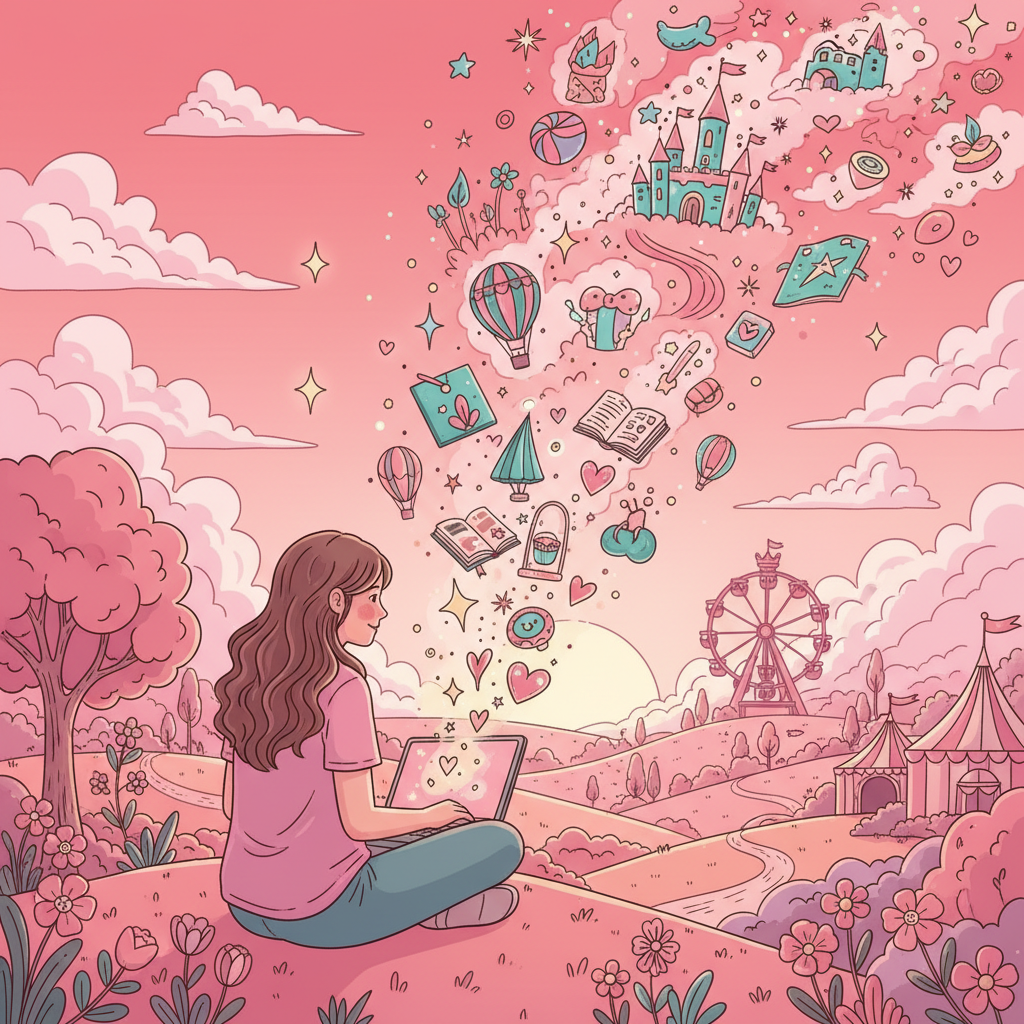
Model 3: gemini-2.5-flash-image (soft/dreamy, watercolor feel)
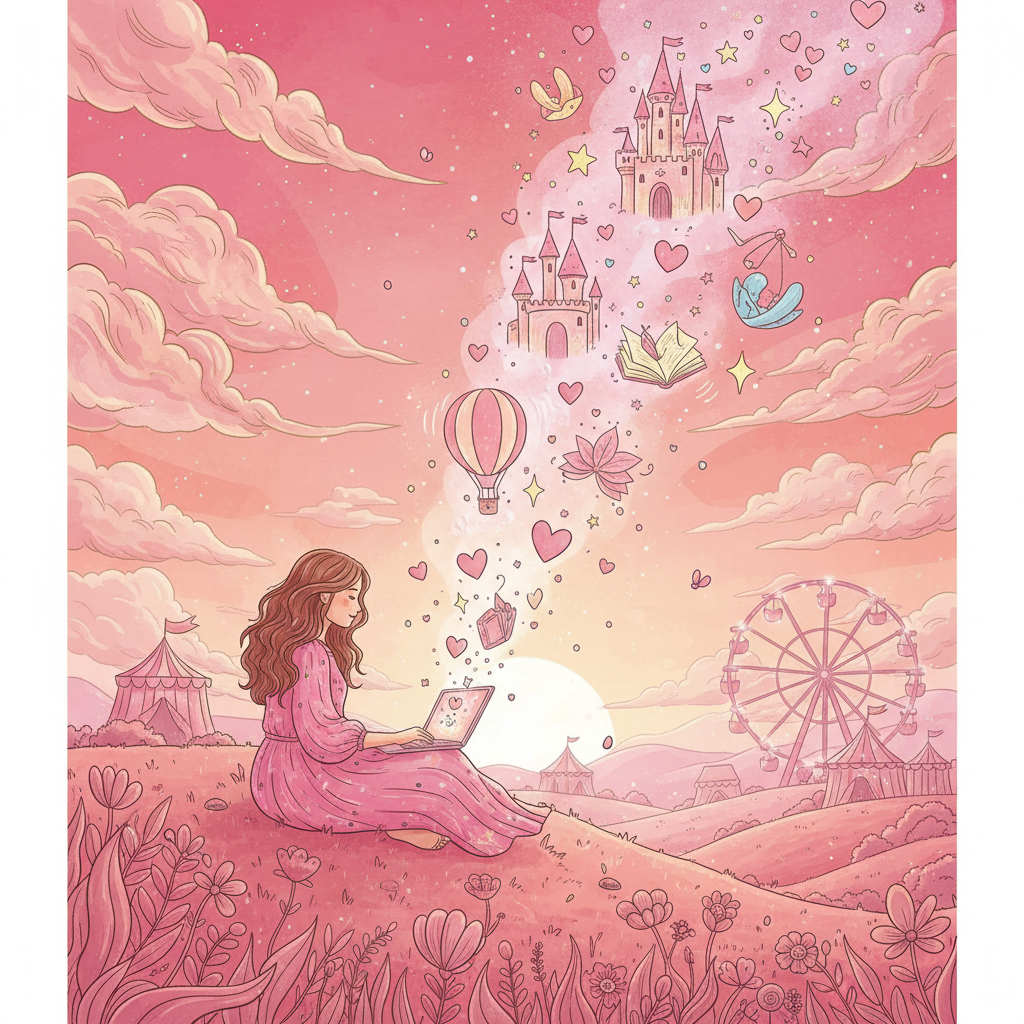
Model 4: Nano Banana Pro (rich textures, editorial quality, storytelling)
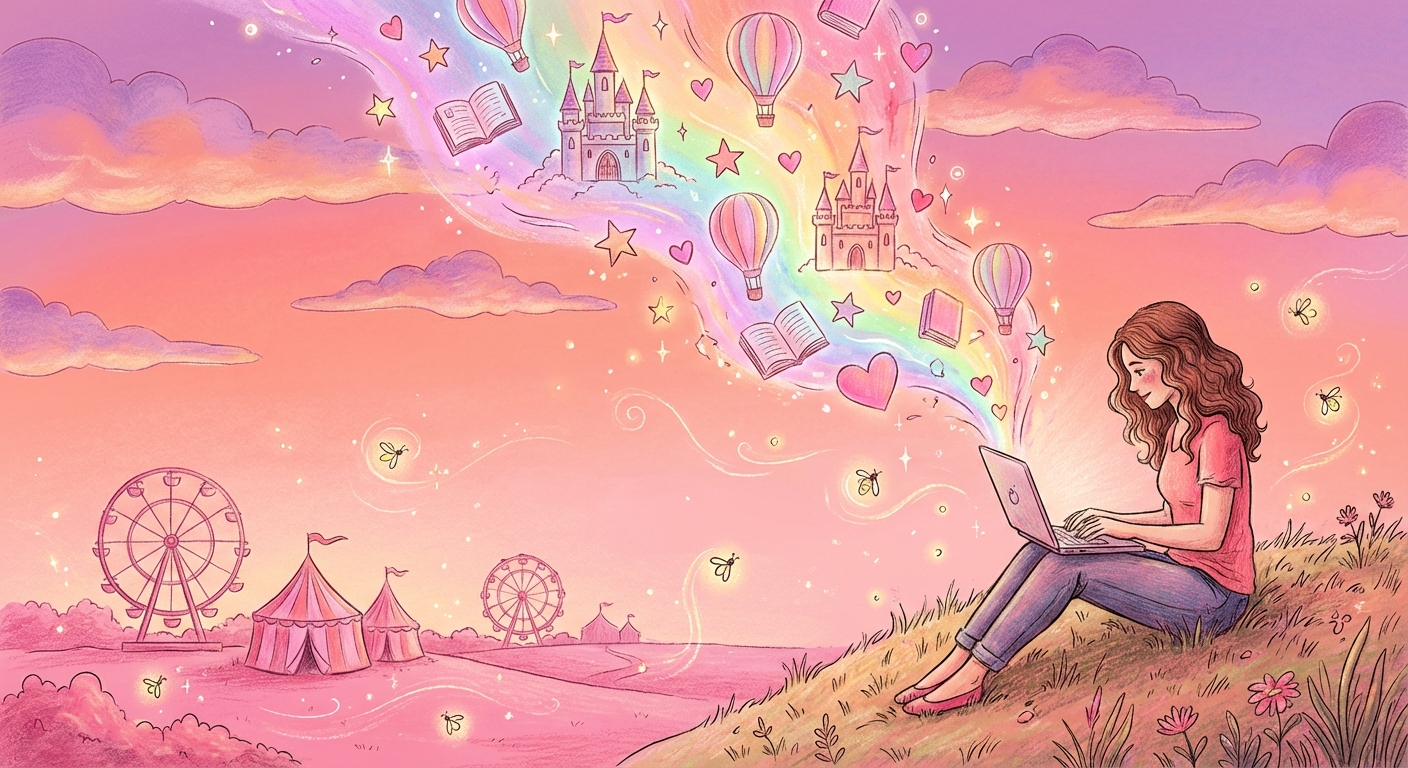
Same prompt. Completely different results. Nano Banana Pro is the clear winner for blog illustrations—it has that editorial quality that makes images feel like they belong in a story.
My style template
Whimsical hand-drawn illustration style, pink color palette
with #FF5CD7 as accent color. Ultra high quality, detailed.

[DESCRIPTION]

Style: clean lines, playful, modern illustration like Notion/Slack.
The color matters. #FF5CD7 (pink) is my accent—always. That's what makes 14 different illustrations feel like they belong together.
Image quality and pricing
Nano Banana Pro offers three quality tiers:
- Standard (~1K resolution): ~$0.13 per image
- HD (~2K resolution): ~$0.18 per image
- 4K (what I use): ~$0.24 per image
I use 4K because they look beautiful. My Coachella series: 14 illustrations = $3.36 total.
Prices as of January 2026
The whole workflow
- I dictate my idea in Wispr Flow
- Claude Code shapes it into an article with my voice
- I describe the illustrations I need
- Images generate directly to my computer (4K, ~$0.24 each)
- I publish everything to my blog—straight from Claude Code
The whole creative process stays in one place. Writing, visuals, publishing. That's why everything feels unified.
The point
The interesting part isn't "AI can make images." Everyone knows that.
The interesting part is: if you have a story to tell and a way of explaining things that's yours, AI can make ALL of it visible. The writing. The visuals. The weird analogies.
You just have to talk. The rest follows.
I dictated most of this article. Claude Code shaped it. The images came from the same narrative. That's the whole point.
Related skill: Nano Banana Pro — download this .skill file to generate images from text with your AI agent.
Reader margin
What stayed with you?
Leave one small mark in the margin.
Notes from readers
The margin is open. You can leave the first note.
Stuck with something like this? I fix it daily → Services