Understanding Supabase: Supabase is Coachella
The Analogy That Changed Everything
Last year, I didn't understand Supabase. I thought it was "just a database." Turns out it's way more than that.
The problem? Nobody explained it in a way that made sense to me. Every tutorial jumped into code without explaining the WHY. So I figured it out my own way.
Now this is exactly how I explain it to others.
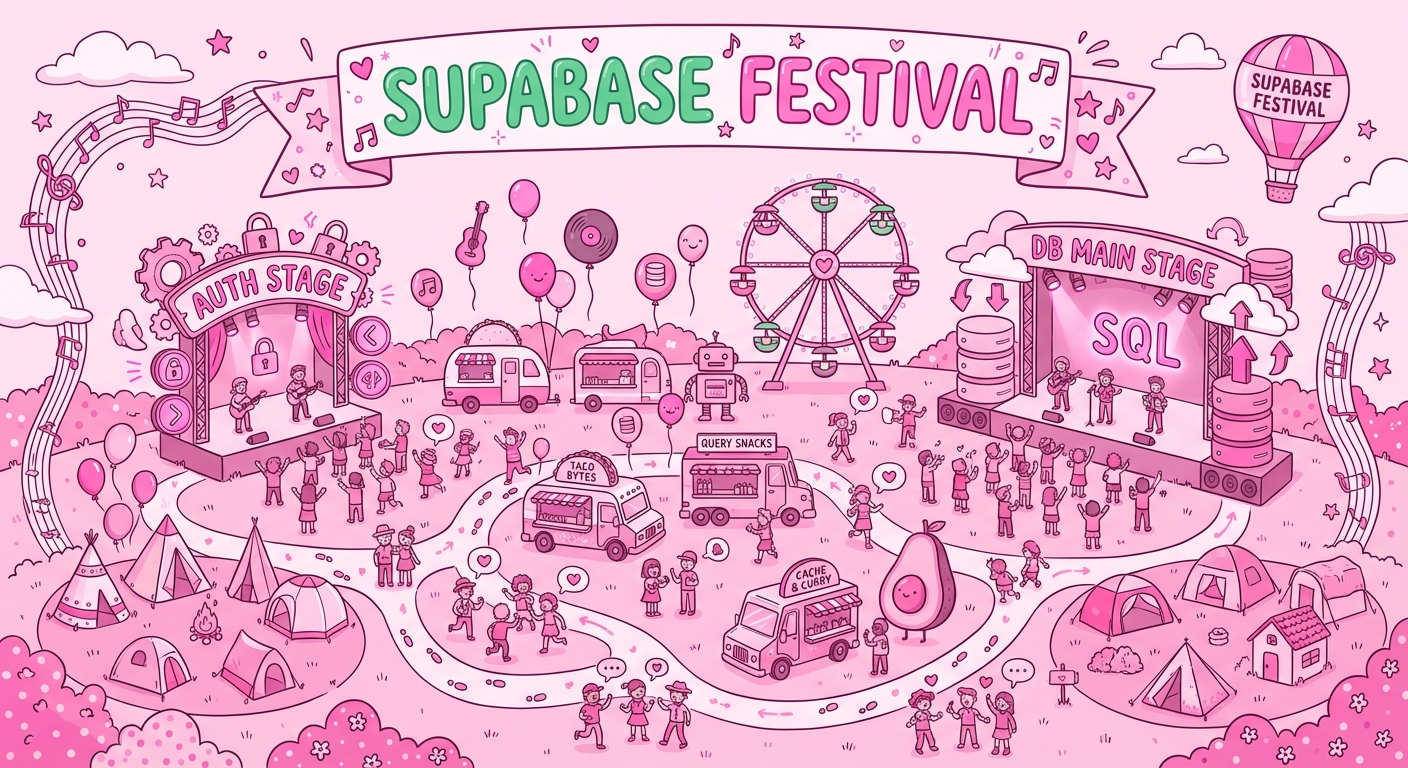
Imagine Supabase is Coachella. Not just a stage. The entire festival. Every area, every system, every person working behind the scenes.
Let me walk you through it.
The Festival = Your Backend
When you go to Coachella, you don't just see one stage. You see:
- Multiple stages with different music
- An entrance where they check your ticket
- Security guards everywhere
- Lockers to store your stuff
- Food trucks and brand activations
- Speakers announcing things in real-time
- A schedule telling you when things happen
Supabase is exactly the same.
It's not "just a database." It's your entire backend: where you store data, how users log in, where you keep files, how you run custom code, and how everything talks to each other.
Once I understood this, everything clicked.
The 6 Main Areas
1. The Grounds = Database
This is where all your data lives. A PostgreSQL database.
The Coachella version: The festival grounds themselves. Without the grounds, there's no festival. Without a database, there's no app.
Tables are like different areas of the grounds. The main stage area, the camping area, the food court. Each holds different information, organized in its own way.
2. The Entrance = Auth
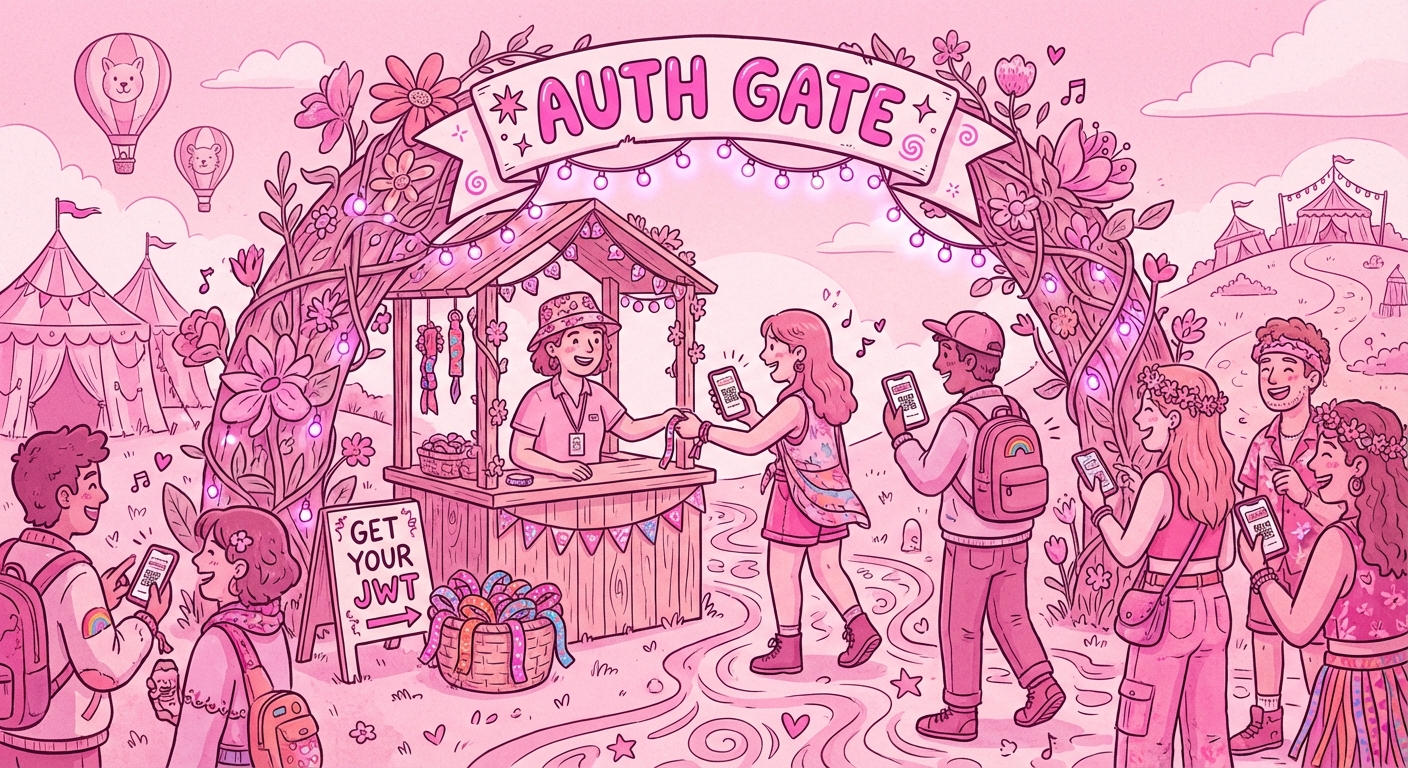
How users sign up, log in, and prove who they are.
The Coachella version: The main entrance. You show your ticket, they verify it's real, and they give you a wristband.
Supabase Auth handles:
- Email/password login
- Social logins (Google, GitHub, Discord, etc.)
- Magic links
- Phone authentication
You don't have to build any of this yourself. It just works.
3. The Wristband = JWT
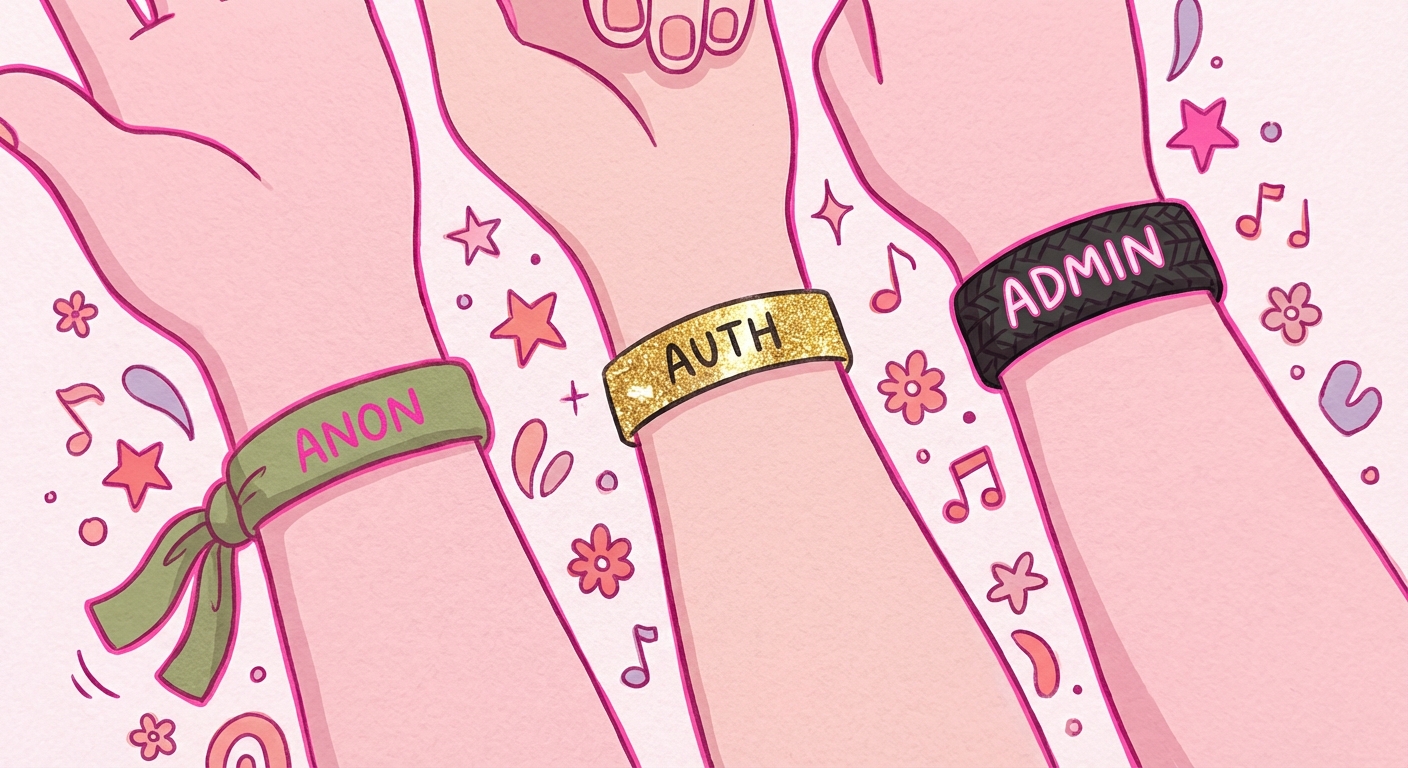
A secure token that proves who you are and what you can access.
The different wristbands:
- General Admission (anon key): Public areas only. Can see what's public, can't access private stuff.
- VIP (Authenticated user JWT): Private areas. Can access their own data and VIP sections.
- Staff/Backstage (service_role key): EVERYTHING. All areas, no restrictions.
Warning: The service_role key is like a staff wristband. Never expose it in your frontend code. If someone gets it, they have access to everything.
4. The Security Guards = RLS
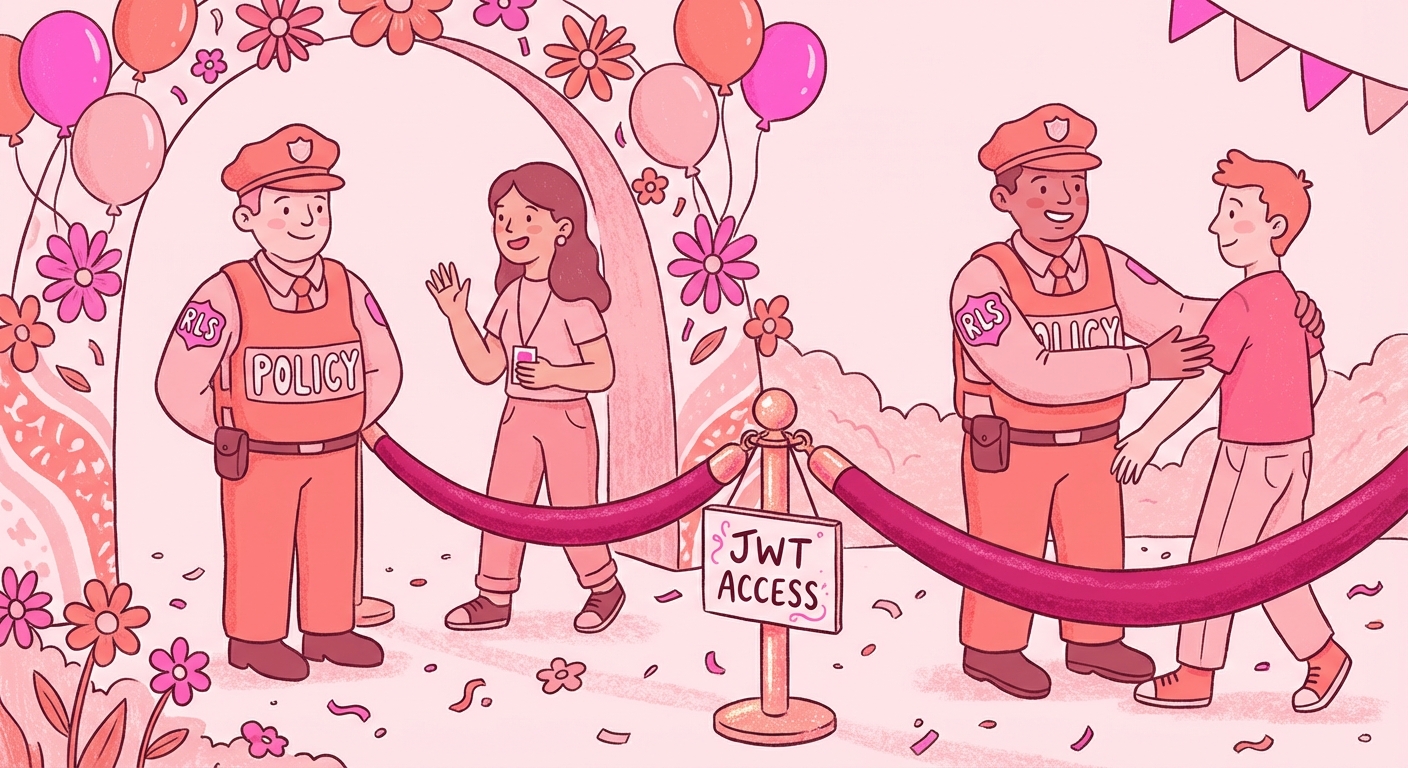
Row Level Security. Rules that control who can see or modify each row of data.
The Coachella version: Security guards at every area. They check your wristband and decide if you can enter.
This is the magic of Supabase. You write simple rules like:
- "Users can only see their own posts"
- "Admins can see everything"
- "Anyone can read public content"
And Supabase enforces them automatically. No extra code needed.

5. The Lockers = Storage
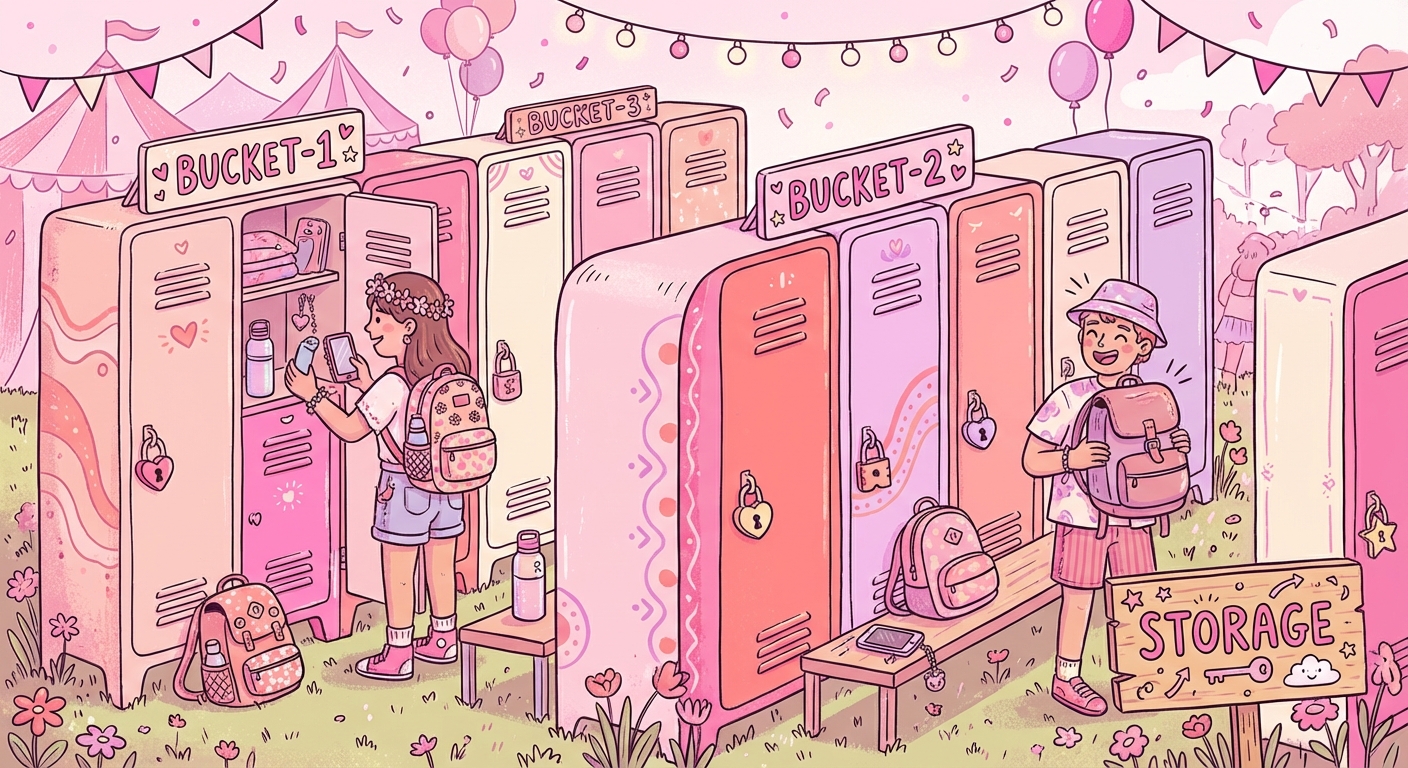
File storage. Where you store images, videos, documents.
The Coachella version: The lockers near the entrance. Store your stuff, get a key, retrieve it later.
Storage has its own security too. You can make files:
- Public (anyone can see)
- Private (only the owner can see)
- Shared (specific people can see)
Perfect for profile pictures, uploads, documents, anything file-based.
6. The Brand Activations = Edge Functions
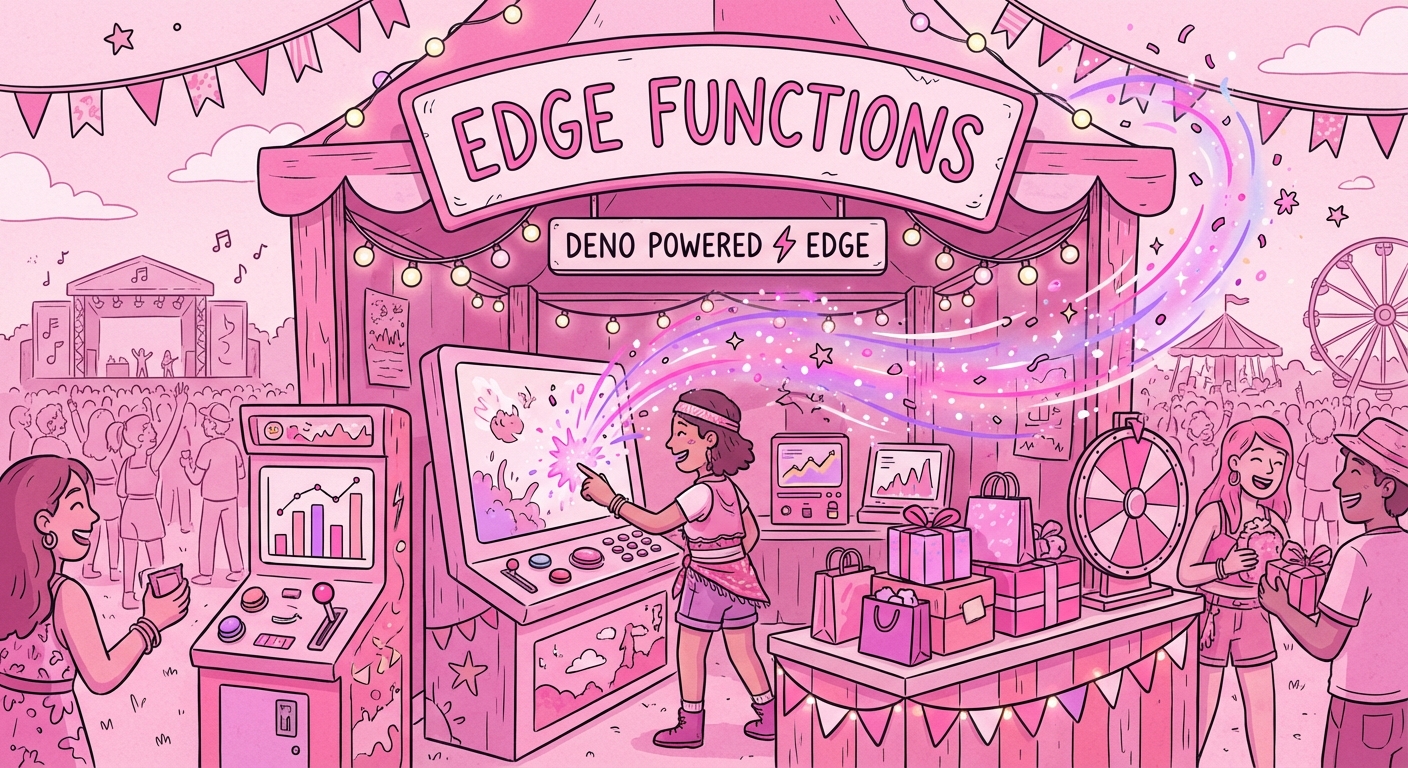
Serverless functions. Custom code that runs when triggered.
The Coachella version: Those interactive brand booths. Touch the screen, get a custom playlist. Scan your wristband, get free merch. Enter a contest.
Edge Functions are where you:
- Call external APIs
- Process payments
- Send emails
- Do anything custom that your app needs
They run on-demand, so you only pay for what you use.
More Festival Areas
Speakers = Realtime
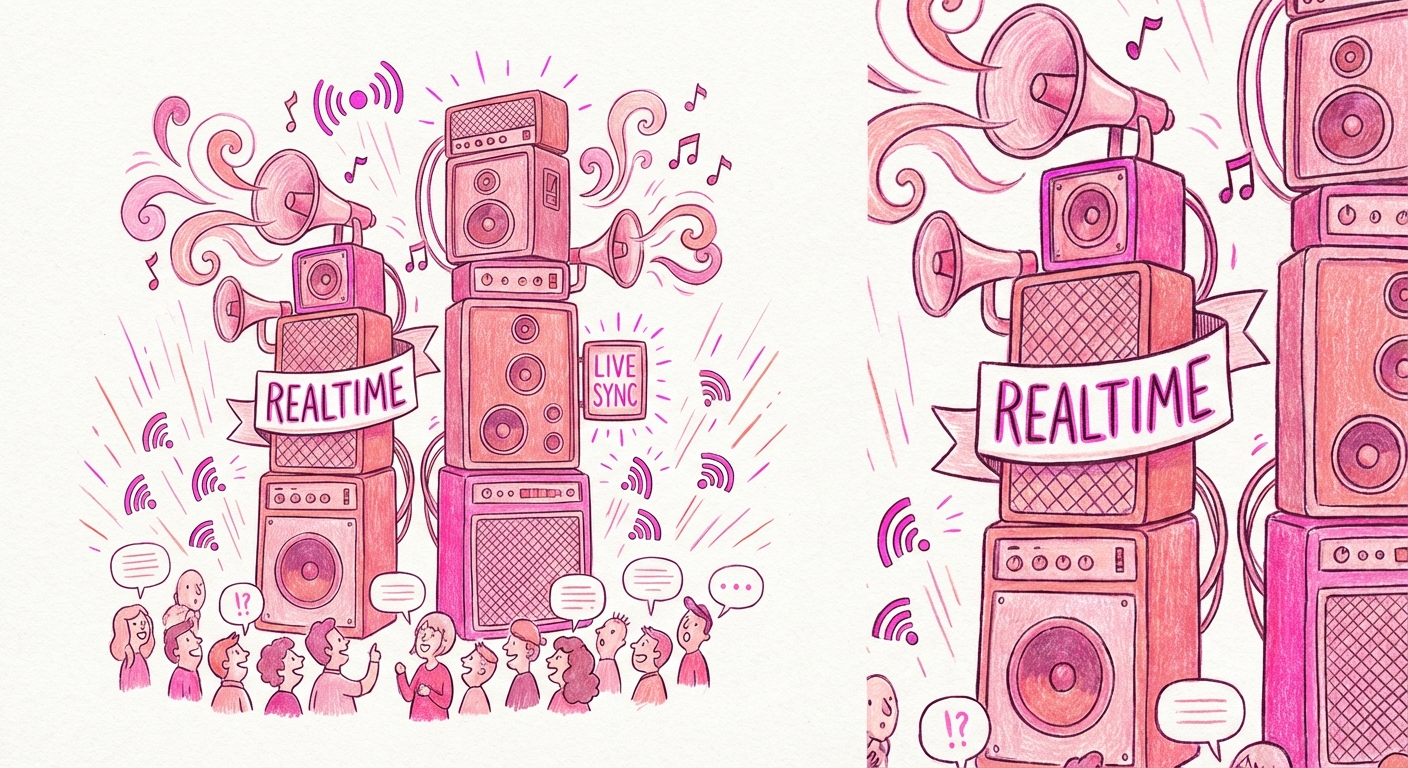
Live announcements. When something changes, everyone knows instantly.
Perfect for:
- Chat applications
- Live notifications
- Collaborative features
- Real-time dashboards
AI Recommendations = Vector
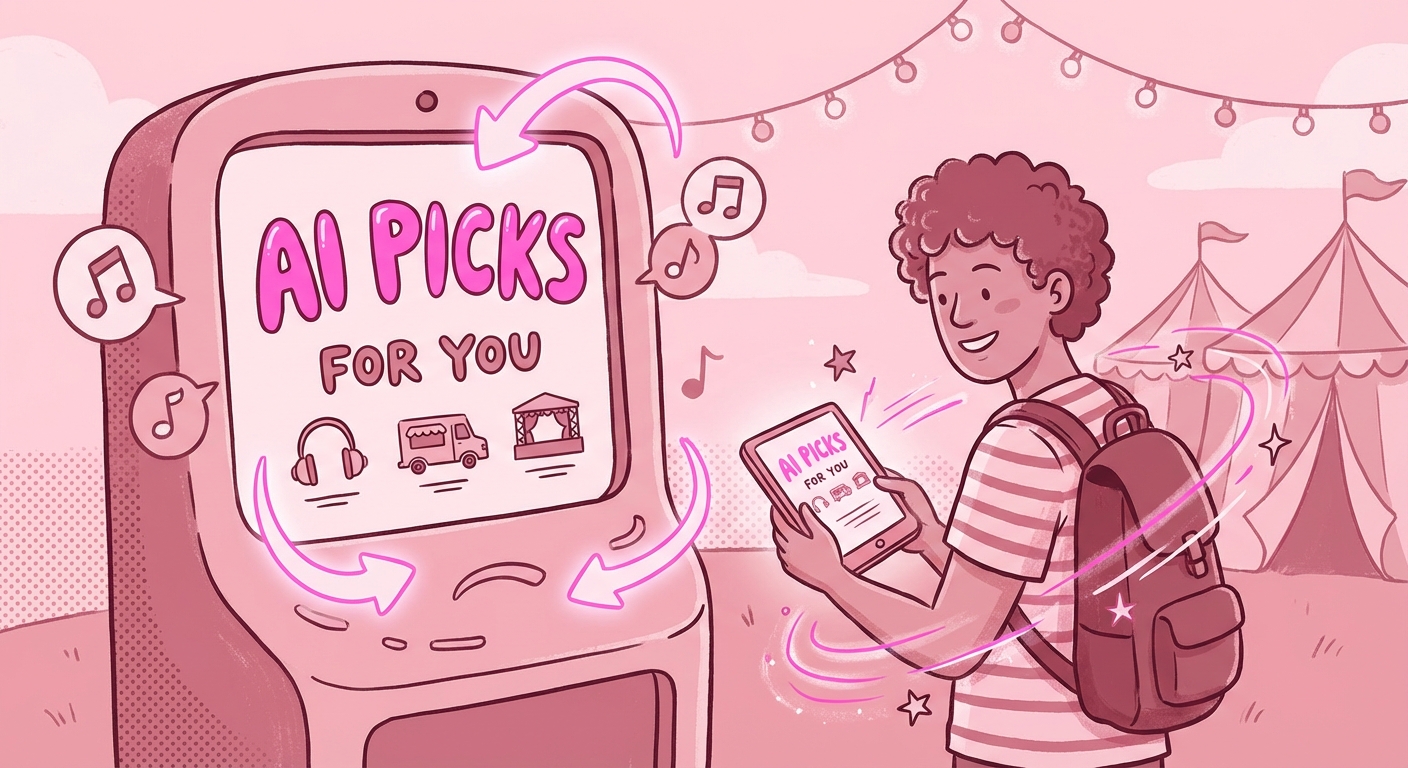
"Based on artists you've seen, you might like Sahara Tent next."
Vector is for AI features:
- Semantic search
- Recommendations
- Similarity matching
Schedule Board = Cron
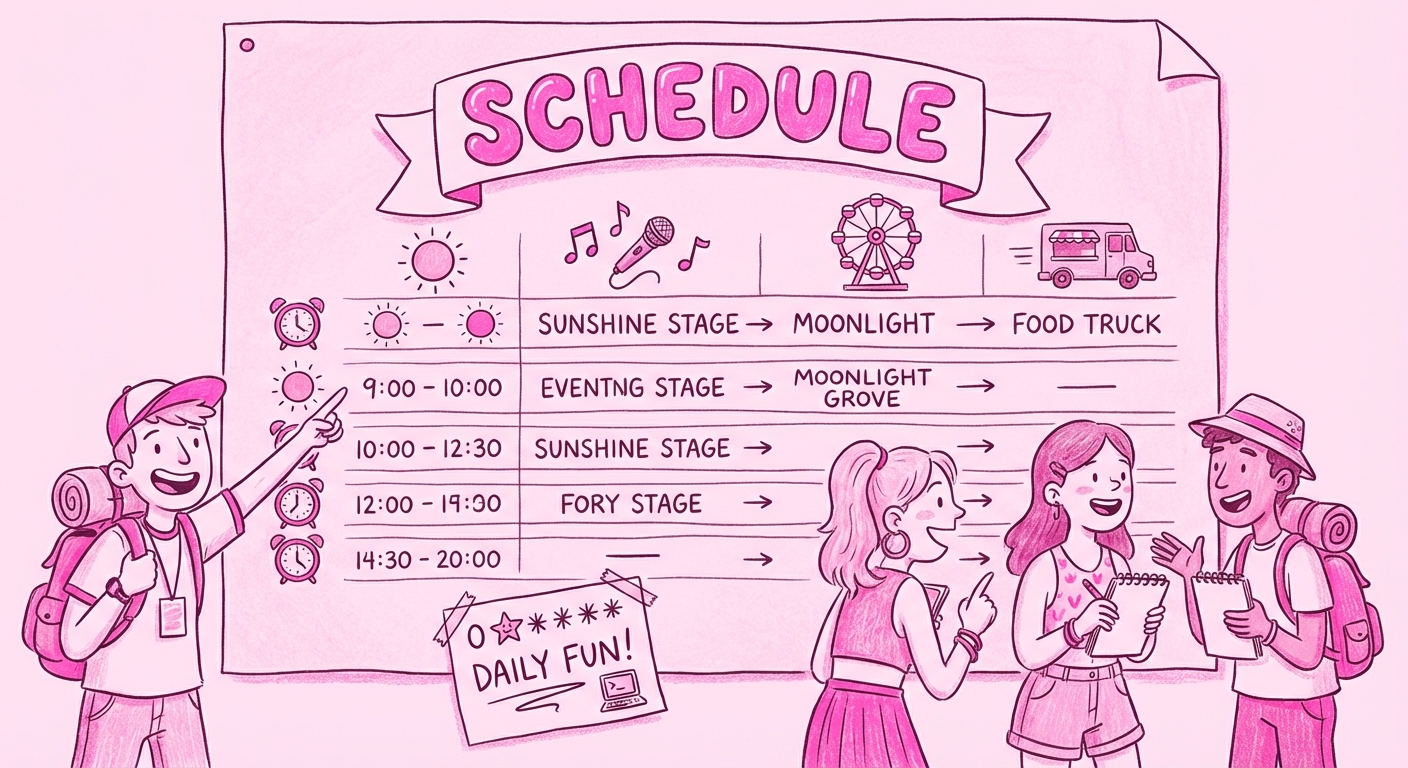
Tasks that run automatically at specific times.
- Daily cleanup jobs
- Weekly reports
- Scheduled notifications
Set it and forget it.
When Things Go Wrong
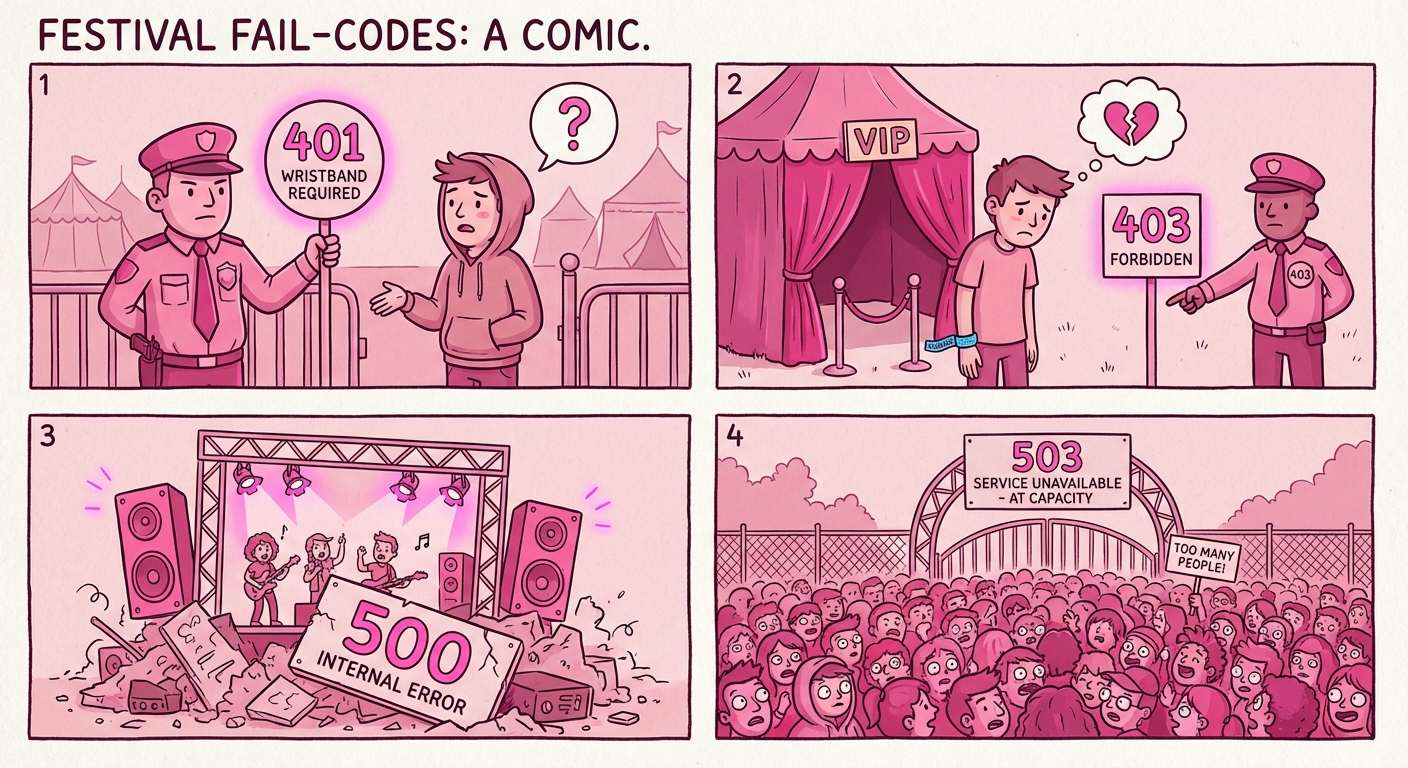
Now you can understand error messages:
- 401 Unauthorized: "You don't have a wristband. You can't come in."
- 403 Forbidden: "Your wristband is real, but it's not VIP. You can't access this area."
- 500 Server Error: "The stage collapsed. Not your fault, something broke on our end."
- 503 Service Unavailable: "Too many people. We're at capacity. Try again in a bit."
Wrap Up
Supabase is not scary. It's a festival with different areas, each doing its job.
Next time you see:
- "Enable RLS" - Think: "Hire security guards"
- "Create a policy" - Think: "Write the rules for each area"
- "JWT invalid" - Think: "My wristband isn't working"
- "403 Forbidden" - Think: "I'm VIP but not Staff"
You don't need to understand everything at once. Start with the areas you need. Add more as you grow.
That's how I learned. That's how you can too.
This is Part 2 of my Supabase for Dummies series.
I'm part of Supabase's SupaSquad as an AI Builder Supporter. I've helped hundreds of vibecoders understand these concepts. If you have questions, reach out!
Reader margin
What stayed with you?
Leave one small mark in the margin.
Notes from readers
The margin is open. You can leave the first note.
Stuck with something like this? I fix it daily → Services