I Gave Claude Code a Super Memory with Supabase
At some point, when you work with AI tools every day, you stop wanting them to just answer questions. You want them to learn with you. To evolve with your projects. To remember the decisions you made last Tuesday and the person who helped you figure it out.
That's where I've been for a while now. All of my projects have context. I've managed that context carefully - CLAUDE.md files, case logs, project documentation, voice guides. I wrote about this a few weeks ago on LinkedIn in a piece called "Own Your Context," because I genuinely believe the context you build around your tools is what makes them yours.
But I wanted to take it further. I wanted my tools to understand not just what I'm doing right now, but what I've done before and where I'm heading.
What I was really after
This wasn't about saving tokens or optimizing for speed (though both happened). What I really wanted was:
- The best possible responses for what I actually need. Answers shaped by everything I've learned over months
- Better control over all my projects. Knowing exactly where I left off, what decisions were made, and why
- A memory that doesn't live only on my machine. A persistent backup I can reference from anywhere
- Something that works for any agent. Not just Claude Code, but any LLM or tool I use in the future
I use Claude Code for almost everything. But I also need it for things that require remembering people, tracking the last moment I left something, managing progress across a dozen projects. I use MCPs heavily, especially Linear, where I leave detailed progress notes and pick things up depending on where I left off. And I work with parallel agents a lot, which means context needs to be accessible from multiple places at once.
The memory system couldn't be a Claude Code-only thing. It had to be broader.
The context I already had
As part of Velora, my system for tracking efficiency gains, I dedicate time every week to improving my Claude Code workflow. We've explored what my usage patterns look like. We've built custom skills, automation scripts, and MCP integrations.
At this point, almost everything runs through Claude Code and MCPs (integrations that let the AI talk directly to external services from the terminal):
- Supabase MCP. Database, schema changes, security policies
- Linear MCP. Project tracking, detailed progress notes
- Gmail + Calendar MCPs. Email triage, scheduling
- Slack MCP. Community communication
- Resend MCP. Email campaigns
- Custom scripts. Morning setup, check-ins throughout the day
- GitHub, ClickUp. Project-specific workflows
Even the articles I write for my blog come from what I do daily with Claude Code. Everything is connected.
But what I didn't have was a systematic process where knowledge saved itself. At the beginning I used MEMORY.md and CLAUDE.md. That worked for a while. But as months passed, I had hundreds of pieces of knowledge with no way to search by meaning, no timestamps, no automatic organization.
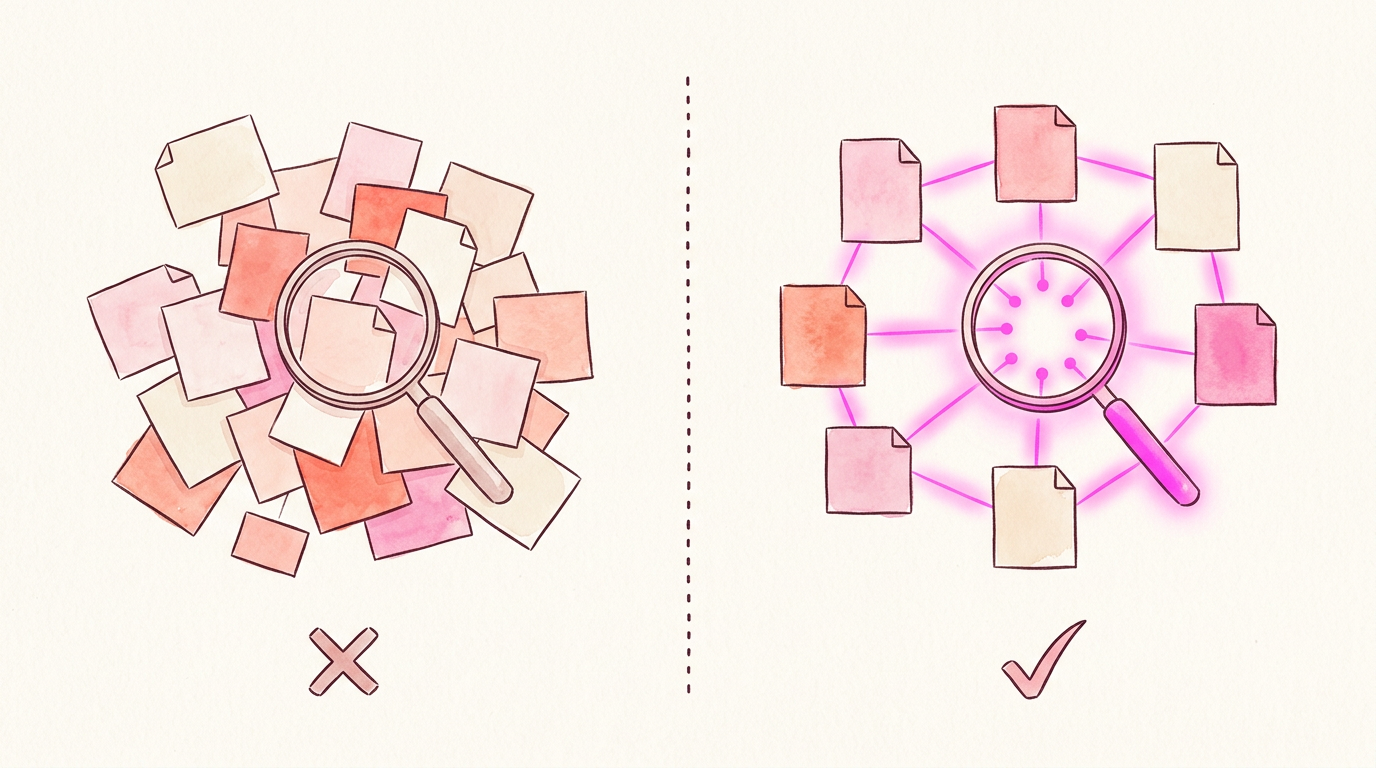
Why I built it myself
I could have used an existing solution. There are memory layers, plugins, services. But I didn't want something pre-built. I wanted to understand it from scratch.
I found a series by Christian Loschiavo called "Building LLM Memory from Scratch" that walks through different approaches: sliding-window buffers, vector memory, knowledge graph memory, and hierarchical self-managed memory. That series helped me understand why I needed a vector database, where the limits are, and how far I could take this.
I wanted to understand the decisions. Why vectors over keywords? Why cosine similarity? How far can pgvector scale? I know I can take this much further, but I deliberately stopped here to use it for a week before advancing to the next layer.
Building on what Claude Code already has
Claude Code already has a memory system. MEMORY.md stores notes that are always loaded - my preferences, my tone, key patterns. It's like a sticky note the AI always sees.
I didn't replace that. I built on top of it.
The built-in memory tells Claude who I am. The Supabase layer tells it what we've done together - 540+ memories of cases solved, decisions made, patterns discovered. Without it, every session starts with a coworker who read a one-page briefing. With it, that coworker can search through eight months of shared work.
Why Supabase
I already run everything on Supabase - blog, portfolio, project data. When I needed a place for searchable memories, I didn't want another service.
- All my projects already live there
- My future agents could feed from it when they start a session
- Adding memory integrates naturally with everything else
- I wanted a backup that's not just on my machine
Supabase supports pgvector - a Postgres extension that adds vector storage and similarity search to your existing database. No separate service needed. My memories live next to my blog posts. One platform.
Anthropic's own research on context engineering confirms why this matters: "context degradation is the primary failure mode" of tools like Claude Code. When your AI stops being useful, it's usually the context, not the model.
How it works
Here's the full architecture:
[interactive:architecture]
And here's what happens when I search:
[interactive:memory-flow]
The core idea: an embedding model converts text into 1,024 numbers representing meaning. Two sentences about the same thing get similar numbers even with completely different words. That similarity is measured with cosine similarity (0 = completely different, 1 = identical meaning).
I use Voyage AI's voyage-3.5-lite (Anthropic recommends it, 200M free tokens/month). Vectors go into Supabase via pgvector. Search takes ~500ms in any language.
I designed this with general endpoints and Edge Functions so that any agent or LLM can use it, not just Claude Code.
Past + Present + Plan
This is the part that makes everything click.
The memory system doesn't work alone. It works because everything is connected:
- Memory (Supabase) = the past. Every decision, pattern, solution, and lesson learned
- Linear / ClickUp (MCPs) = the present. What's in progress, what's blocked, what just shipped
- The long-term plan = where we're going. The roadmap, the vision, the next steps

Most tools give you one of these. A project manager shows the present. A knowledge base shows the past. But rarely do you get all three connected so that your AI understands not just what you're doing, but why and where it fits in the bigger picture.
A real example: there's a task in Linear called CAR-80, "Sync feedback memories to MEMORY.md." Without memory, that's just a task title. With it, I can search and find the full context - we created it because preferences in Supabase don't automatically influence Claude's behavior. The problem, the reasoning, and the solution are all searchable. And because it's in Linear, I know its priority and how it connects to everything else.
The plan layer means the AI can understand trajectory. Not just "what did Carol do last week" but "where is all of this heading." That's the difference between a tool that helps you do things and a tool that helps you build toward something.
4 interfaces, 1 brain
I didn't build this for just one tool. The same memory is accessible from anywhere:
- Claude Code.
search_memoryMCP native tool (fastest, most integrated) - Marcus (my OpenClaw agent).
memory search "query"CLI command - Automation. Cron jobs and shell scripts calling the memory directly
- Any agent. HTTP Edge Functions on Supabase (universal, no setup needed)
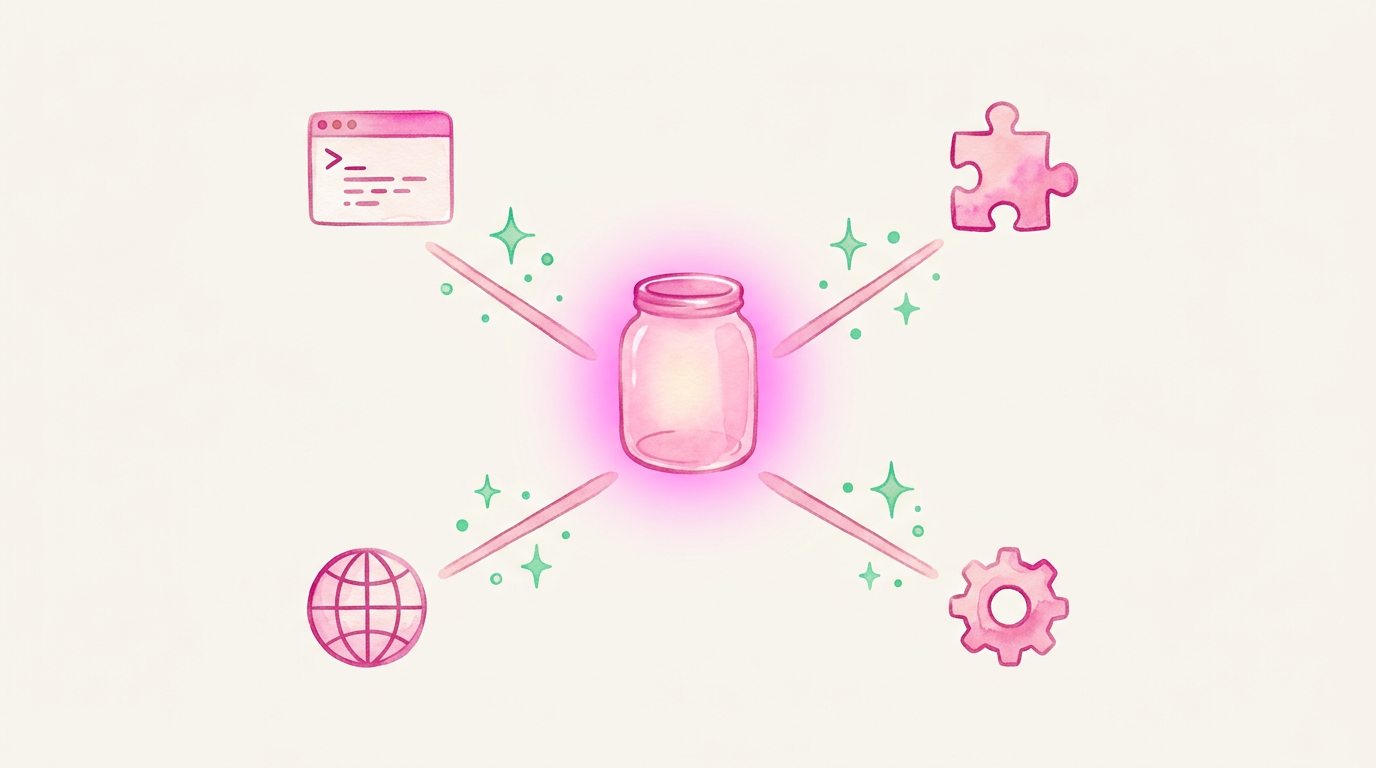
The knowledge doesn't live in any one tool. It lives in Supabase, and everything connects to it.
What it looks like in practice
Cross-language search
I think in Spanish, my docs are in English, and the search just works. "User can't log in with Google" finds the same results as "usuario no puede iniciar sesion con Google." And because all projects share the same memory, a pattern from Festie can surface when I'm working on something completely different.
Picking up where I left off
Switching from carolmonroe.com back to Festie after two weeks:
search_memory: "Festie Spotify integration status"

[0.92] Festie - Spotify stage integration
       Decision: use Spotify Web API for stage playlists.
       Blocker: rate limits on playlist creation.
       Status: API key approved, waiting on OAuth flow.

[0.85] Spotify API rate limiting workaround
       Use exponential backoff with 429 status checks.
Two results. Full context. 500ms. No re-reading anything.
Deduplication
Without it, memory bloats. Before every insert, the system checks similarity: above 0.95 gets blocked as duplicate, below passes through. Tested with real data - exact same text scores 1.000 (blocked), rephrasing scores ~0.91 (allowed).
Redundancy
Every save writes to Supabase (semantic search) and local markdown files (always on my machine). Neither depends on the other. A morning sync script reconciles them.
Under the hood
- 540+ memories across cases, patterns, references, projects, and preferences
- Sub-agents. Start fresh by design - I built workarounds: context injection files, custom agent definitions with MCP access, and Edge Function endpoints
- Performance. Sequential scan under 10ms at this scale. At ~2,000 memories, I'll add an HNSW index
- Technical path. I'm becoming more technical by design. I'd already built AI assistants and worked with embeddings, but I wanted to understand the decisions, not just use the tools
What comes next
- Knowledge graph. The next layer from Loschiavo's series. Mapping relationships between memories, not just storing them
- Marcus integration. My personal AI agent (self-hosted, Anthropic's Opus). Same brain, different interface. The CLI is ready
- HNSW indexing. At ~2,000 memories
- Automatic preference sync. Preferences shaping behavior automatically
- Memory health. Tracking usage, staleness, pruning
One step at a time. Use it for a week. See what works. Then advance.
The bigger picture
For months, my knowledge lived in .md files and CLAUDE.md instructions. It worked. But it was fragile - tied to one tool, hard to search, impossible to share across agents.
This is the shift: going from saving artifacts in a text file to building something solid underneath. A real database, with semantic search, accessible from any tool I use today or whatever comes next.
That's what this project is really about. Not the vector database or the embeddings - those are implementation details. It's about making sure that everything I learn, every pattern I find, every decision I make has a place to live that outlasts any single tool.
Whatever comes next, the foundation is there.
Past, present, plan.
Reader margin
What stayed with you?
Leave one small mark in the margin.
Notes from readers
The margin is open. You can leave the first note.
Stuck with something like this? I fix it daily → Services